Audiqueen provides storage and visualisation of speech audiometry results, both in quiet and in noise. There are many configurable options, to satisfy the needs of every individual ENT clinic.
All speech audiograms together with their details are stored numerically into the database.
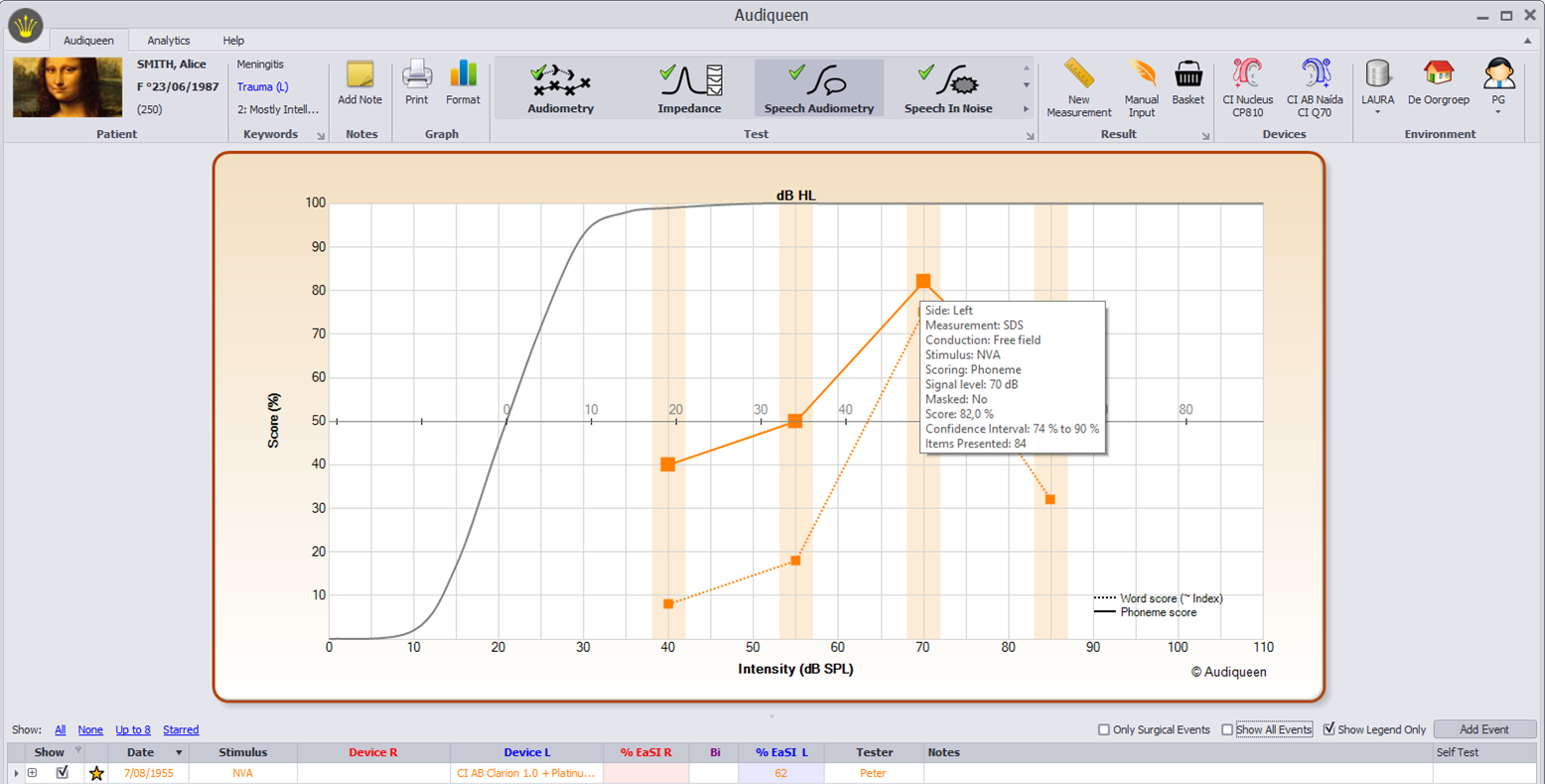
Typical image of the speech audiometry. The speech audiogram shows word and phoneme scores at different presentation levels (40, 55, 70, 85 dB SPL). The second horizontal axis represents the dB HL scale, with 0% at the intercept with the normal curve. Hovering with the mouse over a specific point reveals all raw details of that outcome.
The Speech Audiometry windows display all typical functions needed for speech audiometric testing.
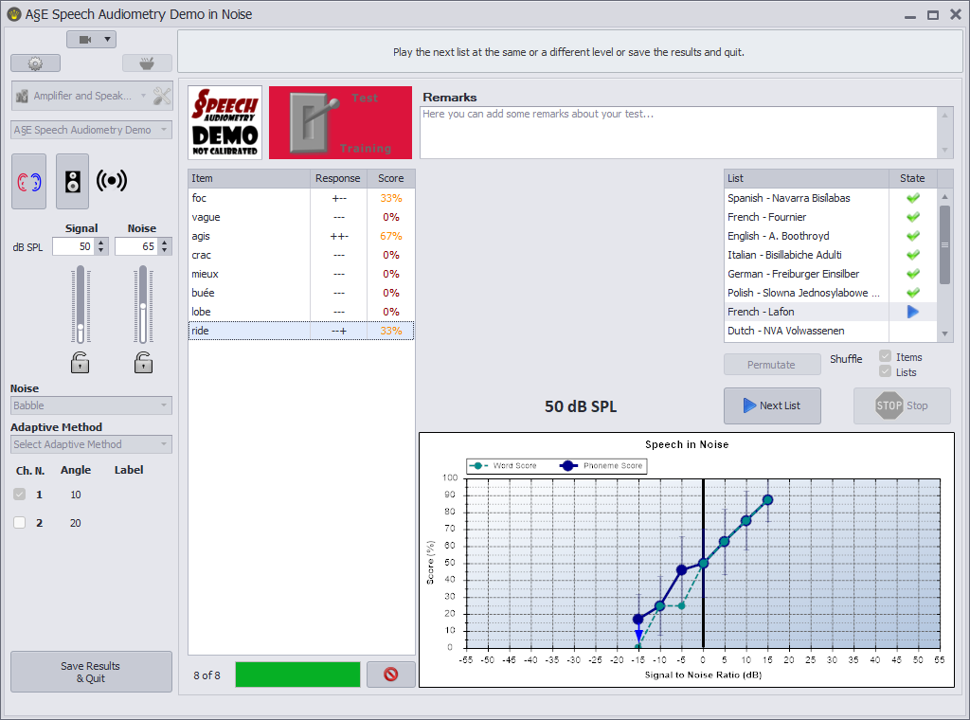
Speech Audiometry Interface.
If you have a speech test with word lists, either as wave files or as audio tracks, these lists can be uploaded into A§E. Click on this button to create your own speech audiometry.
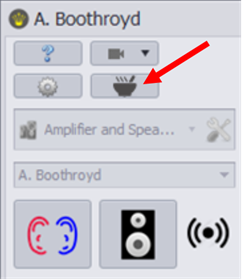
Have a look at the instructional video to learn how to build your own speech audiometry.
Was this article helpful?
That’s Great!
Thank you for your feedback
Sorry! We couldn't be helpful
Thank you for your feedback
Feedback sent
We appreciate your effort and will try to fix the article