Audiqueen Reader is a free application for Windows PC’s or laptops. You need this to open and view .auqx files if you do not have an Audiqueen licence.
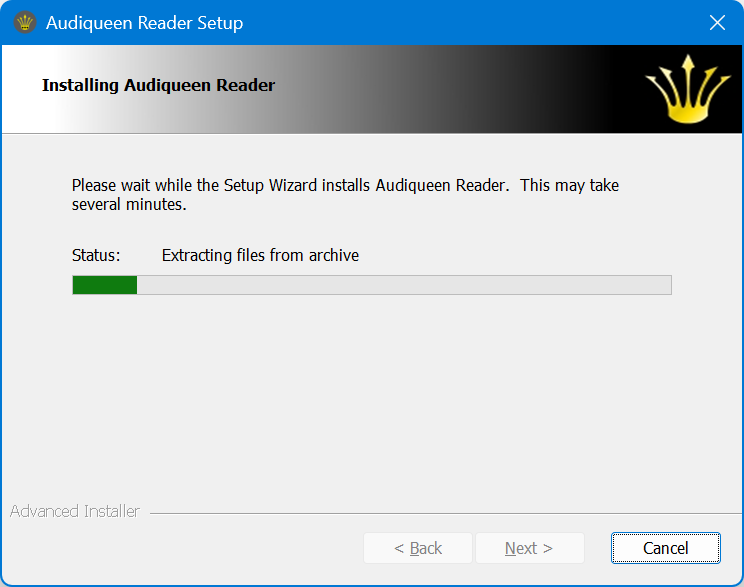 | Download Audiqueen Reader here. Run the downloaded file Audiqueen Reader xxx Installer.exe When asked to go to Microsoft’s Store, skip this and Install anyway. Audiqueen Reader starts its installation. Accept the Licence Agreement and click Next when asked to proceed. |
 | Open Audiqueen Reader with its desktop shortcut |
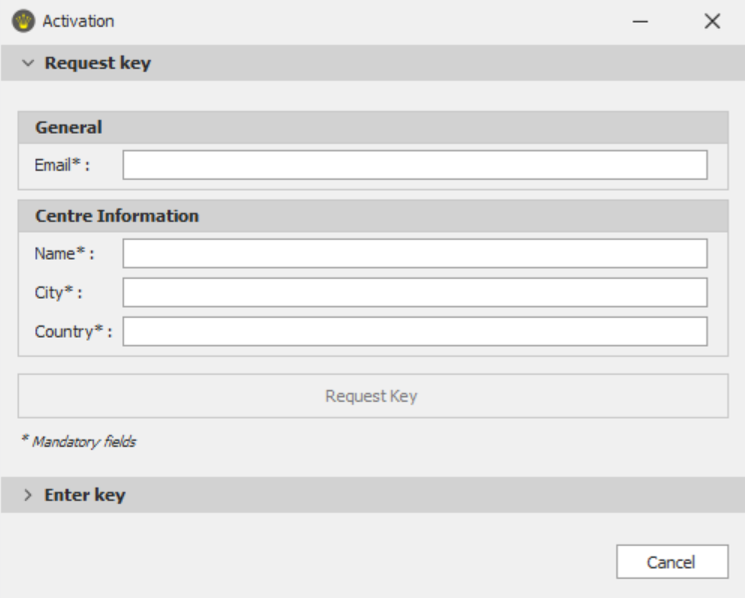 | Since this is your first time, you’ll have to activate Audiqueen Reader (only once) by entering all requested data. If the data are not correct, Audiqueen Reader will fail. Click on Request Key. |
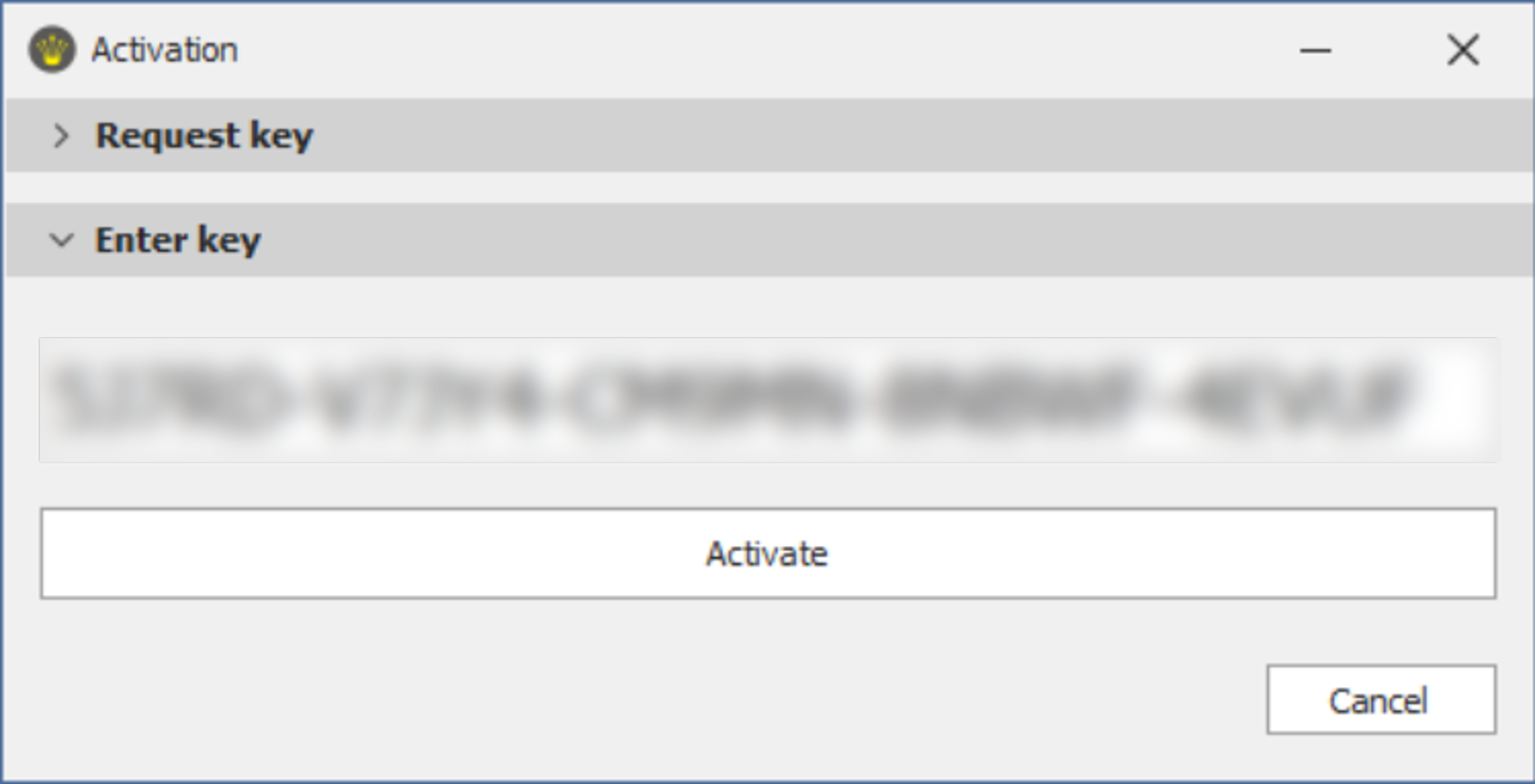 | Now enter the key that you receive by email and click on Activate. Audiqueen Reader now opens. |
Information about the use of Audiqueen Reader:
Was this article helpful?
That’s Great!
Thank you for your feedback
Sorry! We couldn't be helpful
Thank you for your feedback
Feedback sent
We appreciate your effort and will try to fix the article